

What are the benchmarks for church internet today?
For many ministries, internet service feels like just another bill. It’s something that gets renewed every year, rarely questioned, and only noticed when it fails. But the internet is no longer a side utility. It is one of the central pieces of your ministry infrastructure.
Think about your weekly rhythm: livestreaming Sunday worship, enabling online giving, connecting staff in hybrid meetings, running children’s check-in, and even opening guest Wi-Fi for community events. All of these depend on the strength and stability of your internet service. When it works, it supports smooth ministry. When it doesn’t, the interruptions are visible to your congregation and distracting to your mission.
So how do you know if your church internet is truly measuring up?
The best way is to use benchmarks. Benchmarks are clear, measurable standards that show whether your network is strong enough to carry the weight of your ministry. They cut through vendor jargon and help you evaluate providers with clarity.
Here are five pillars of evaluation and the benchmarks within each that every church should measure against.
1. Core Performance
Core performance benchmarks are the first place to look when asking if your internet is strong enough for ministry. They set the baseline for how well your network can handle heavy demand, how steady it stays throughout the week, and how many people can connect at the same time. Without strength here, every other part of your setup struggles: streaming, giving, staff work, and guest use. Think of this as the foundation: if it’s weak, everything built on top feels unstable. That’s why it’s important to examine the three areas below closely.
Bandwidth (Download + Upload)
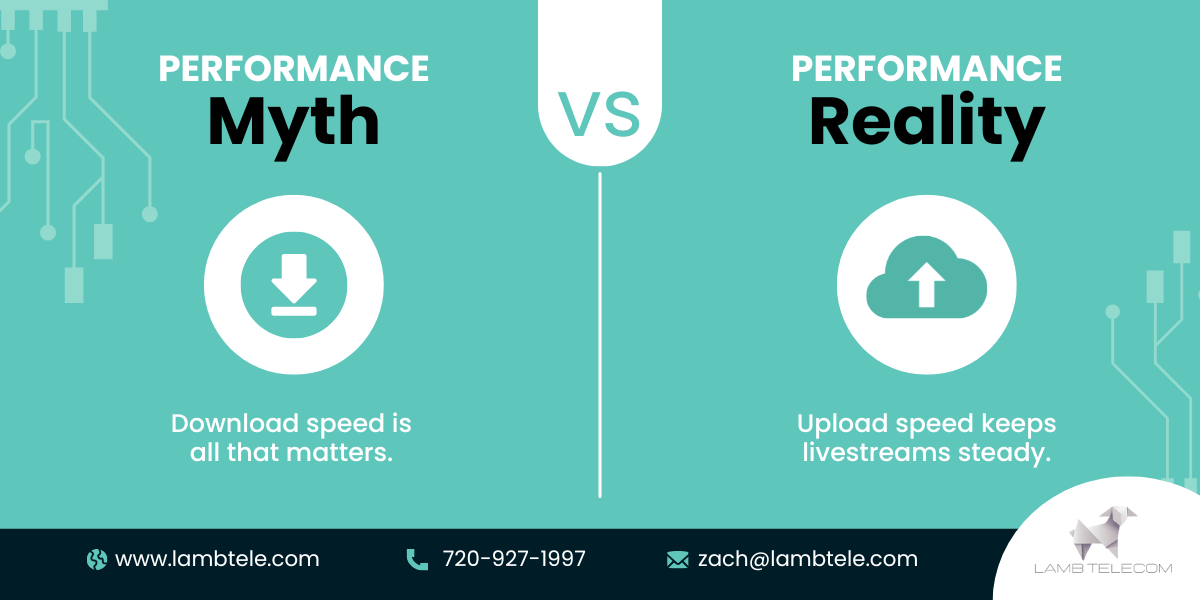
Bandwidth is the amount of data your internet can move in and out at once. Download speed handles what comes into your network like streaming videos or pulling files from the cloud. Upload speed controls what leaves your network like livestreaming a worship service.
In practice, a church with high-quality livestreams needs more than the basic consumer-grade package. If your upload speed is too low, video can buffer, audio can drop, and viewers at home will experience a broken service. Adequate download speed is equally important for staff, classrooms, and volunteers pulling resources online at the same time.
A good benchmark: can your bandwidth comfortably support Sunday morning’s peak demand without slowing down or freezing? If your livestream is clear and your staff can still use email and apps without interruption, your church wireless network bandwidth is in the right range.
Reliability / Uptime
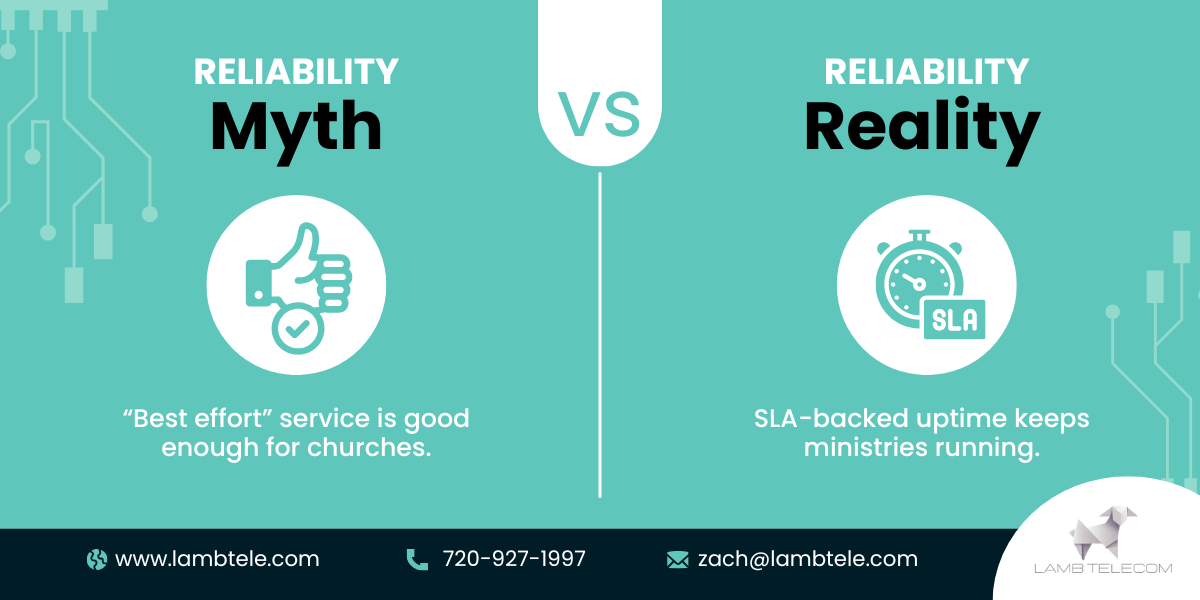
Every internet provider promises reliability, but you should look at the Service Level Agreement (SLA). This is where providers commit to how much uptime you’ll actually have. For ministries, “uptime” translates directly into whether a livestream stays online, whether online giving works without interruption, and whether staff can work without frustration.
If your internet goes down even a few times a month, you’re not just losing productivity. You’re risking the confidence of your congregation and the smooth flow of ministry. Ask providers what percentage of uptime they guarantee and how they measure outages. For a ministry environment, you should expect no less than 99.9% uptime.
Capacity (Concurrent Devices/Users)
Sunday mornings often push networks to their limits. Hundreds of people connect at once: staff, volunteers, guests, and devices running everything from worship slides to children’s check-in. If your network was only designed for a few dozen devices, the surge will overwhelm it.
Capacity benchmarks ask: how many devices can connect simultaneously before the network slows down? The right setup should allow your entire campus population to connect without disrupting key ministry functions. For churches, this isn’t a luxury. It’s the difference between smooth Sunday operations and distracting tech headaches.
2. Coverage
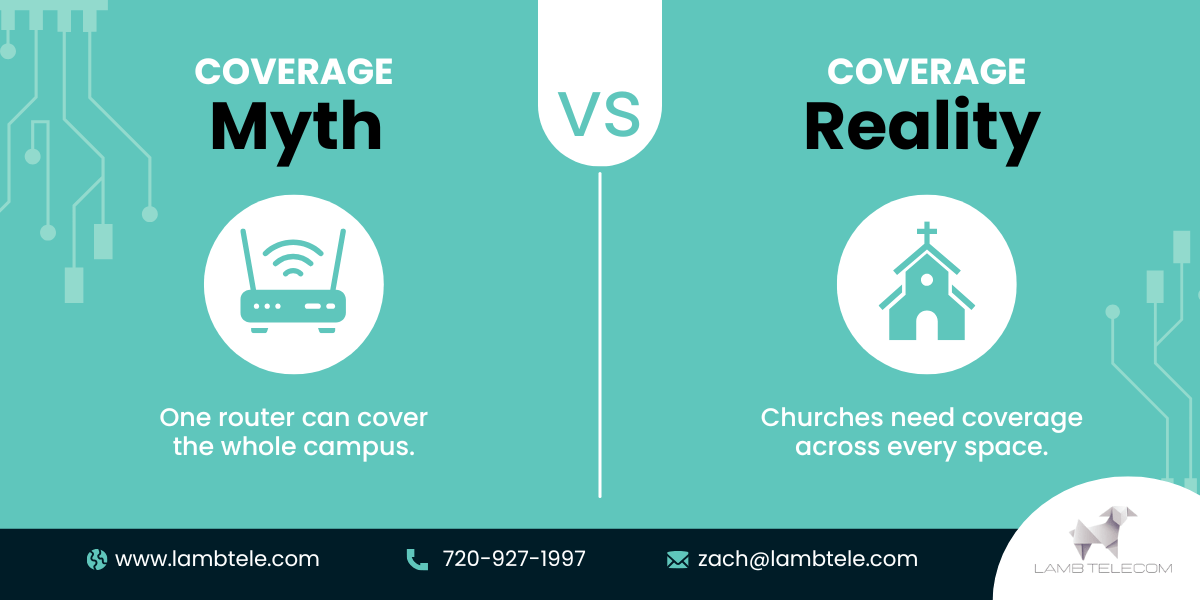
Once your network has the strength to handle demand, the next question is where that strength reaches. Internet that only works well in one corner of the campus leaves other spaces struggling and limits how ministry can flow across the whole church. That’s why coverage benchmarks matter, so every space where people gather, serve, or work has dependable access.
Building Coverage
Your sanctuary, offices, classrooms, and common areas all need consistent church wifi signal. Dead zones mean volunteers struggle to check kids in, staff can’t rely on their laptops, and the congregation experiences interruptions. Benchmarks here should include complete coverage across your core ministry spaces, with no “cold spots.”
Multi-Building / Campus Coverage
Many churches operate across more than one building: sanctuaries, gyms, schools, fellowship halls, or youth centers. If internet doesn’t extend seamlessly, ministries get siloed and staff waste time juggling connections. The right benchmark is full campus coverage with one integrated network, not a patchwork of different systems.
Outdoor / Event Coverage
Courtyards, parking lots, or outdoor pavilions often become gathering spaces for ministry events. If those areas lack coverage, you can’t run sound systems, connect registration tablets, or allow guests to log on. Coverage benchmarks should include outdoor ministry zones, ensuring reliable Wi-Fi wherever your community gathers.
3. Ministry Functions
Internet for churches isn’t just about speed or coverage. It directly supports the way you serve people every week. Every ministry activity, from worship to administration, depends on the network working as expected. If the connection lags or drops, the impact is visible not just to staff but to your congregation. That’s why benchmarks here are measured by ministry outcomes: worship that streams smoothly, giving that processes without error, operations that run without delay, and guest access that is both safe and welcoming.
Streaming / Worship Experience
If worship is livestreamed, the network must maintain consistent video and audio quality. Choppy streams not only frustrate viewers but also distract from the message. The benchmark here is simple: does your livestream run every week without freezing, buffering, or audio distortion?
Online Giving & Transactions
More and more, your congregation gives online—either during worship or throughout the week. If internet goes down, giving portals may fail mid-transaction. Beyond frustration, this can impact stewardship and trust. Your internet should securely support every online transaction without interruption.
Administrative Operations
Staff rely on the network for calls, emails, scheduling tools, cloud storage, and hybrid meetings. If the internet can’t keep up, efficiency drops, meetings stall, and ministry planning slows down. The benchmark here is that your staff should never need to “work around” poor internet—they should trust it as a steady tool.
Community Access / Guest Wi-Fi
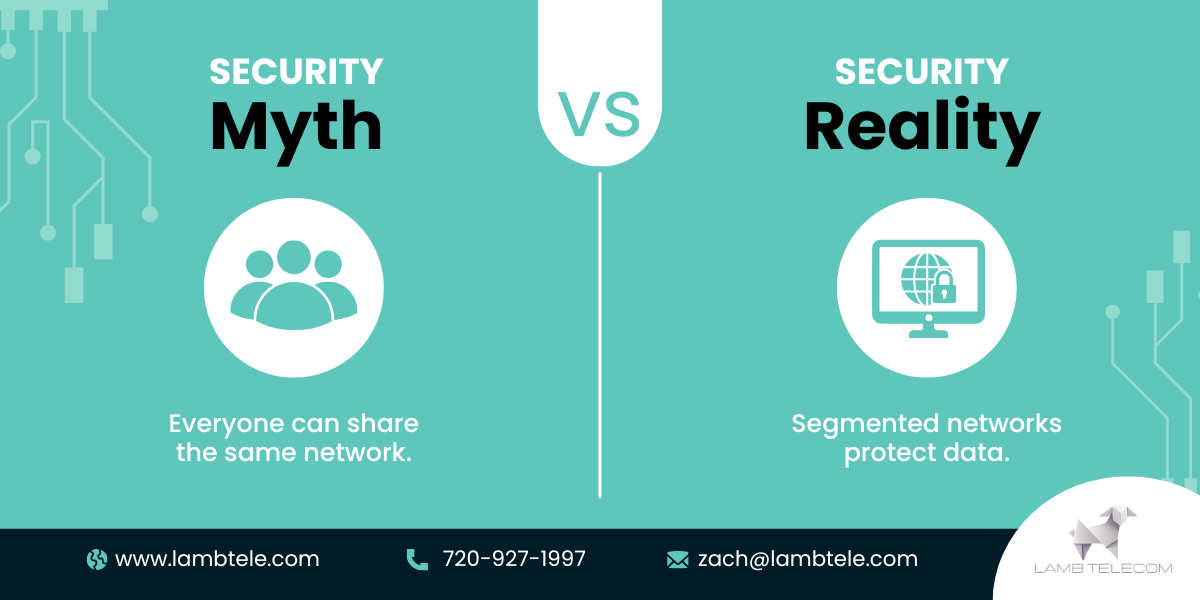
Many churches open guest Wi-Fi to visitors, students, or community groups. That generosity needs balance: guests should have safe and reliable access, but without putting staff systems or giving platforms at risk. The benchmark is a segmented guest Wi-Fi system that protects sensitive networks while keeping hospitality intact.
4. Flexibility & Growth
Healthy ministries rarely stay the same size or operate in the same way year after year. As attendance grows, new programs launch, and technology becomes part of more ministry functions, your internet must be able to keep pace. A network that only works for today’s needs will eventually slow down or limit tomorrow’s opportunities. That’s why benchmarks here focus on how well your service can scale, how prepared it is for interruptions, and how ready it is for the technologies you plan to adopt next.
Scalability
If you launch a new campus, add classrooms, or expand community programs, can your current service scale with you? A scalable system grows alongside your ministry without forcing a complete overhaul.
Redundancy / Failover
What happens if the main line goes down? For ministries that depend on livestreaming, giving, and hybrid work, a backup connection (failover) is critical. A proper benchmark is an alternate path that takes over seamlessly during outages, keeping worship and operations running.
Future Readiness
Ministries increasingly use connected devices: security cameras, smart thermostats, digital signage, and even IoT tools for classrooms. A future-ready setup has the bandwidth, equipment, and infrastructure to support these without disruption. The benchmark here is whether your current network is already prepared for the technologies you plan to adopt in the next five years.
5. Safeguards & Support
Strong performance, broad coverage, reliable ministry functions, and room for growth all depend on one final layer: protection and dependable help when things go wrong. Security gaps, weak equipment, or poor provider support can undo even the strongest setup and leave your ministry exposed at the worst times. Churches need assurance that both their data and their connections are safe, and that help is available when ministry is most active.
Security & Segmentation
Staff networks, financial systems, and guest Wi-Fi should never overlap. Without clear separation, you risk exposing sensitive information. The benchmark is segmented networks with strong security so staff can work and donors can give without concern.
Support Availability
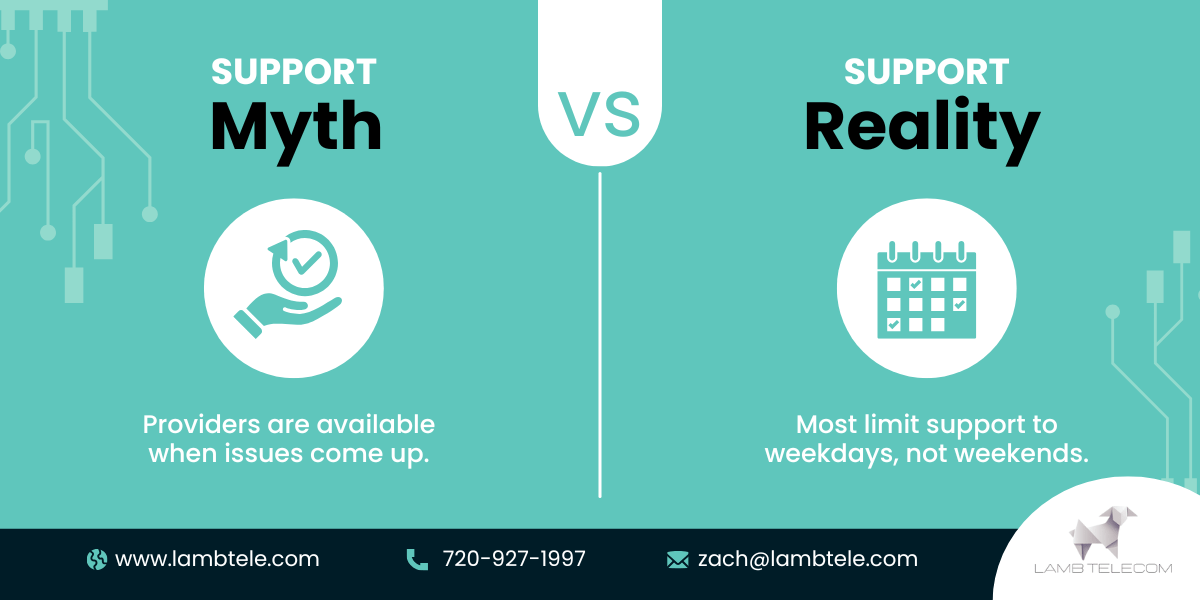
Sunday mornings, evening events, and holidays are prime ministry times but often outside standard business hours. If your provider only answers calls Monday through Friday, you may be stuck waiting when you need help most. Benchmarks should include support availability during nights and weekends, plus rapid response when issues arise.
Contract Terms & Transparency
Some providers hide behind long contracts, automatic renewals, and fees that only appear later. Churches need clarity: clear SLAs, transparent billing, and simple terms. Benchmarks here include straightforward contracts that make it easy to understand exactly what you’re paying for.
Equipment Quality
Routers, switches, and access points determine the strength of your coverage. Consumer-grade equipment may save money upfront but fails under the weight of church use. Benchmarks include business-grade hardware that’s designed for multi-user, multi-building environments.

Don’t Let Weak Internet Limit Strong Ministry
Church internet has moved far beyond a utility bill. It’s one of the most important pieces of ministry infrastructure. Bandwidth, reliability, coverage, ministry functionality, growth capacity, and safeguards all determine how well your church can serve, connect, and grow.
By measuring your current service against these benchmarks, you’ll see clearly if your network is strong enough to carry the weight of your mission. If gaps show up, you don’t have to face them alone. A trusted advisor can help you evaluate your options, avoid hidden costs, and build a network that truly supports ministry.
If you’d like a review of your current setup or guidance on what options are available, Lamb Telecom can help. Connect with us for a consultation and see how your church internet measures against these benchmarks.

Church Internet FAQ: What Ministries Ask Most
What makes church internet different from regular internet?
Church internet supports more users, more devices, and ministry functions like livestreaming and online giving. It also needs broader coverage—across sanctuaries, classrooms, and event spaces.
How much bandwidth does a church really need?
It depends on size and activities. A church livestreaming worship and supporting hundreds of devices on Sunday mornings typically needs higher upload speeds than a standard business package provides.
Why is upload speed so important for livestreaming?
Livestreaming sends video and audio out to viewers. If your upload speed is too low, the stream will freeze or drop, no matter how strong your download speed is.
How can churches protect staff networks when offering guest Wi-Fi?
By using segmented networks. This means guests connect to a separate part of the system, keeping staff operations and giving platforms secure.
Do churches really need backup internet service?
If livestreaming, online giving, or hybrid staff operations are critical to your ministry, a failover plan is important. It keeps services running even if the main line goes down.
What should churches look for in an internet contract?
Clear SLAs, transparent billing, and fair renewal terms. Avoid contracts that hide fees or lock you into long periods without flexibility.
Is business-grade equipment worth the cost for a church?
Yes. Consumer-grade routers and access points often fail under the weight of a church campus. Business-grade equipment ensures consistent performance across large spaces and many devices.